eProcureAI / Platform
The platformEverything between the ask
and the invoice
Raise a request, let the rules approve it, and that same purchase becomes the PO, the goods receipt and the invoice. The budget updates when someone says yes, not when AP keys a bill.
Start with one module. Most teams add two more inside the first year without reimplementing anything.
One purchase, all the way through
Procurement software usually breaks at the joins. The request lives in one place, the order in another, the invoice somewhere else. Committed money is a guess until AP catches up.
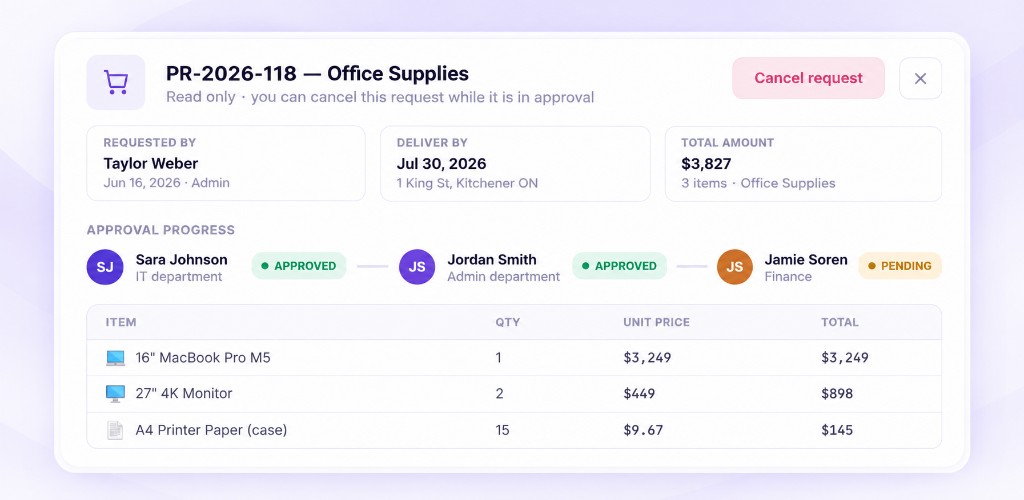
eProcureAI keeps it on one record. Taylor in IT raises a laptop request. Rules find the approvers. The same record becomes the PO, then the goods receipt, then the invoice match. The charge code was already on it; the budget moved when it was approved. Nothing is retyped from module to module. Your ERP still keeps the books.
Because modules read that record, the usual chase is already answered: which charge code, who signed and why, did it arrive, and does the invoice agree.
Three groups of modules
Buying is everything up to the order going out, and a sourcing event if you need quotes first. Paying is receiving and invoices, with budgets that were already updated at approval. Running the function is vendors, documents and who is allowed to do what.
Nobody buys all thirteen on day one. Most teams start with intake and approvals, then purchasing and AP, once the first module is in daily use.
Everything up to the order going out
A request, the people who must sign it, catalog prices if you have them, a sourcing event if you need quotes first. Then a numbered PO the supplier can act on.
Intake and Approvals Live
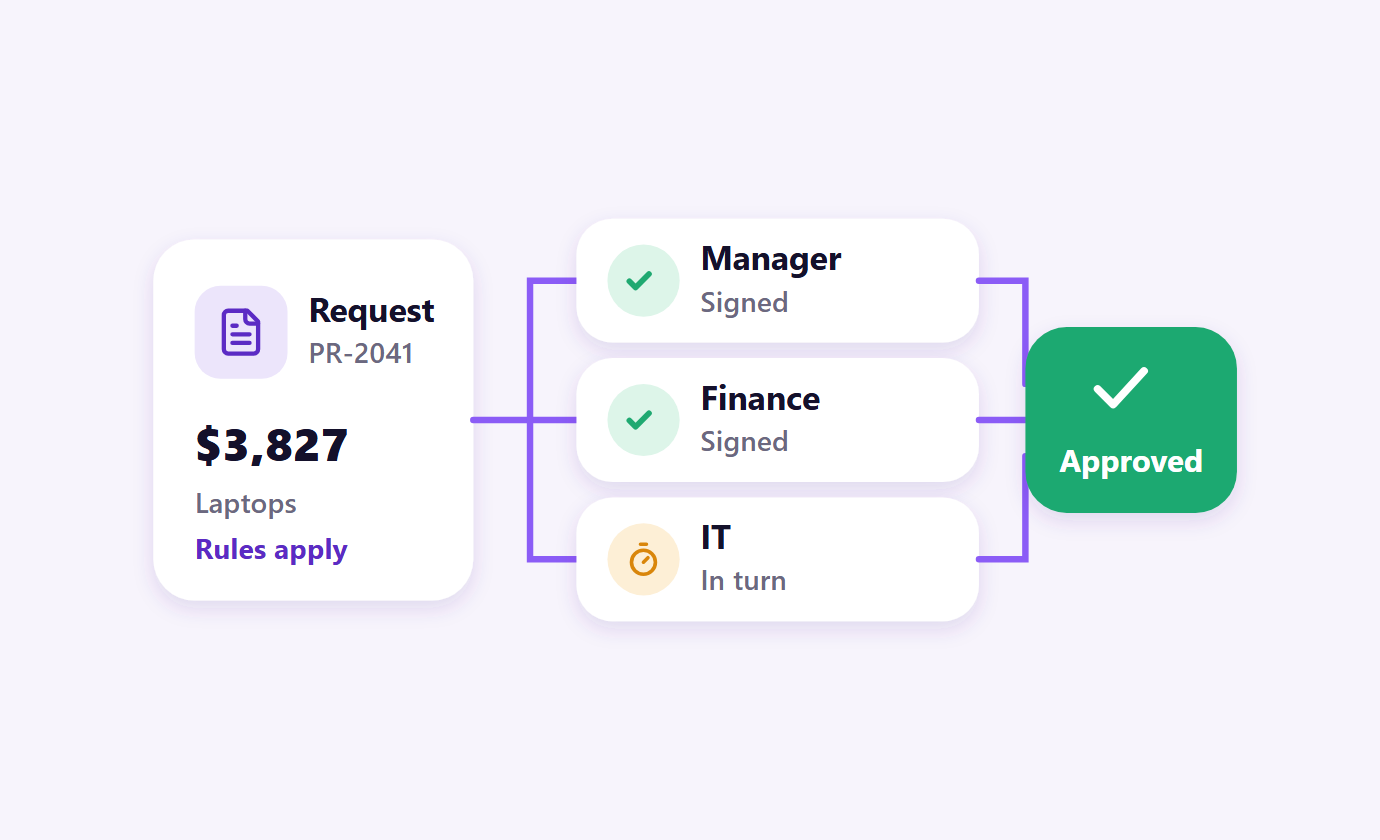
9:30 AMRequests come in complete enough to route. You write the rules once; they pick the approvers on every request.
Open the page Workflow defined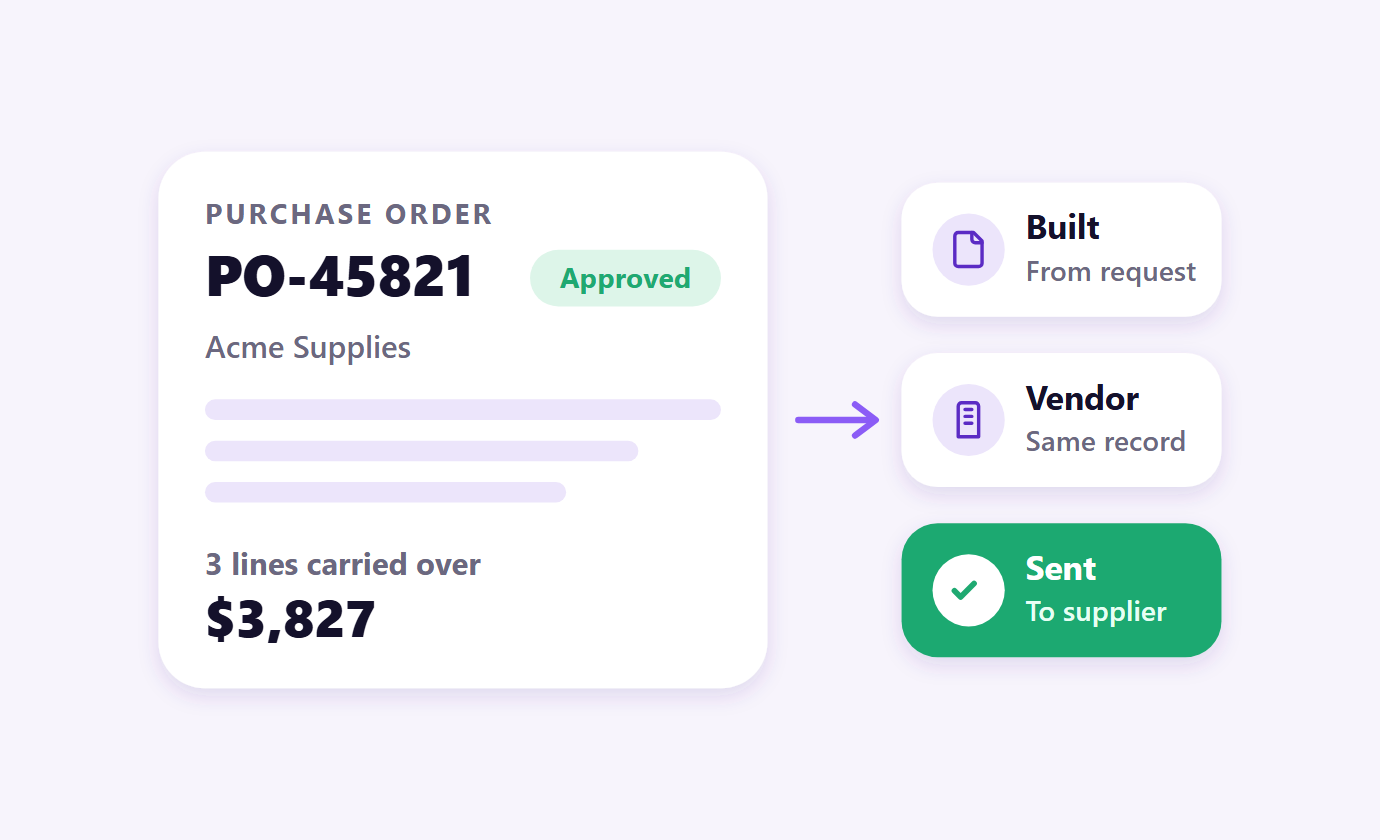
Purchasing and Orders Live
10:05 AMThe approved request becomes the PO. Vendor, lines, charge code and attachments carry across nothing is typed a second time.
Open the page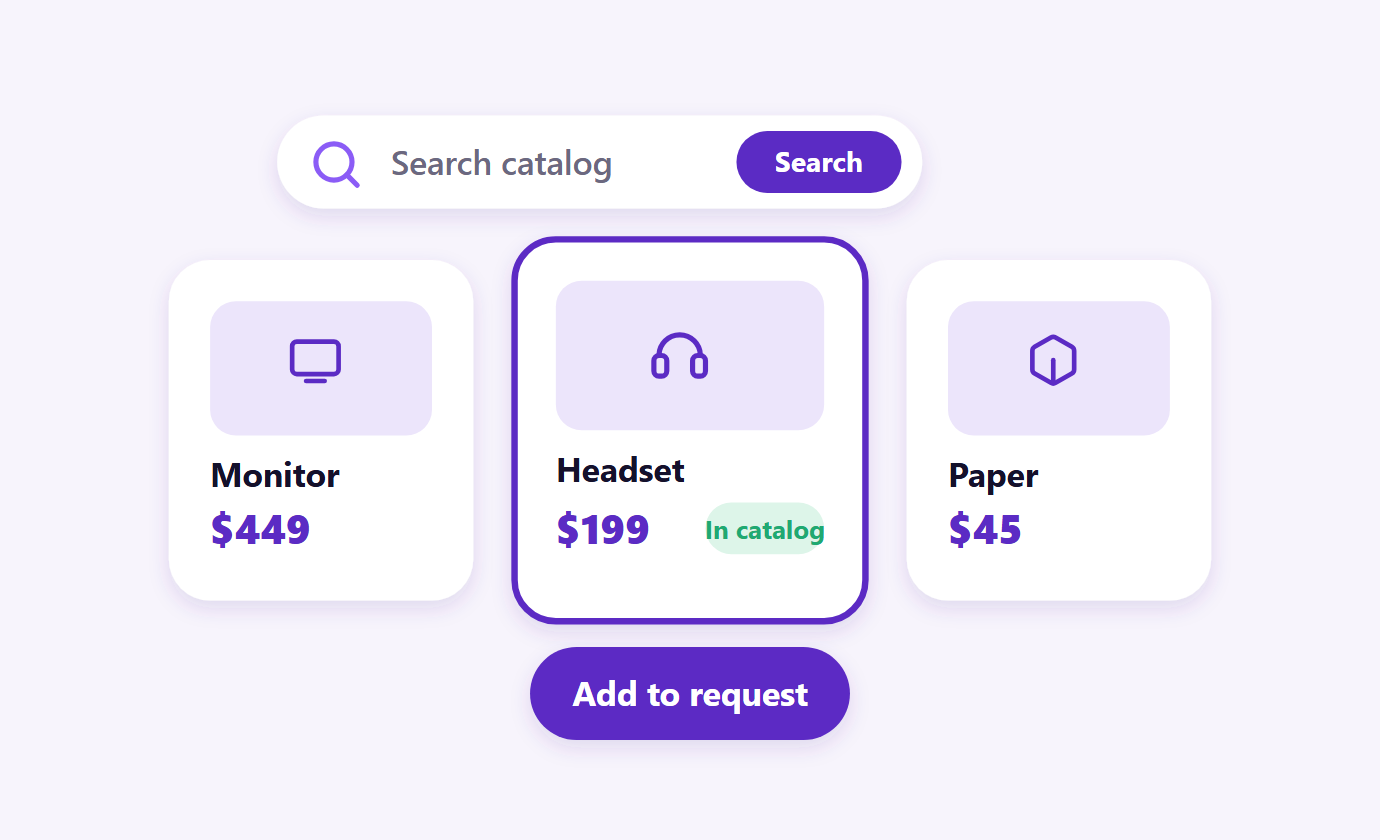
Catalog Live
10:45 AMNegotiated products and services, priced by unit, so the line total on the request is the same figure on the order.
Open the page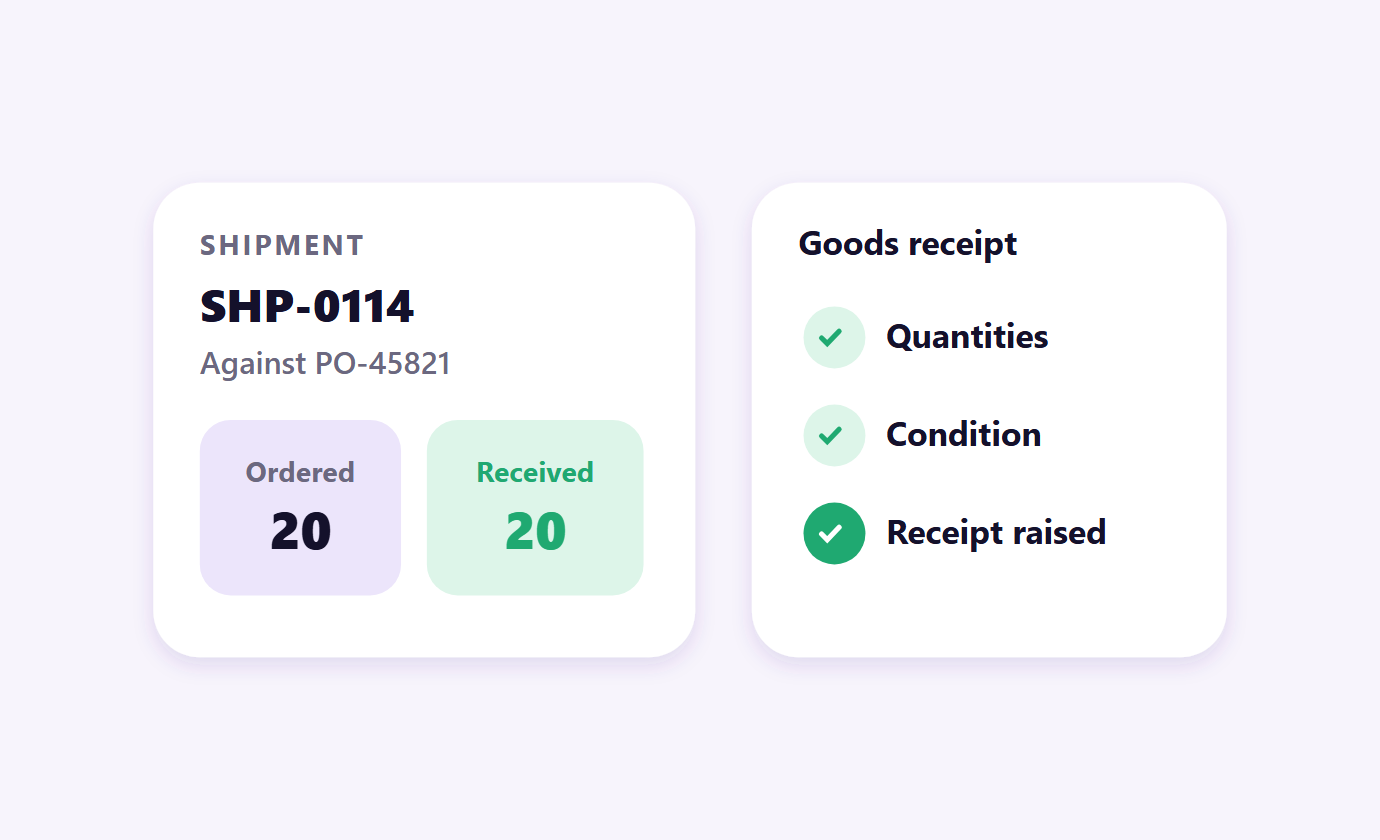
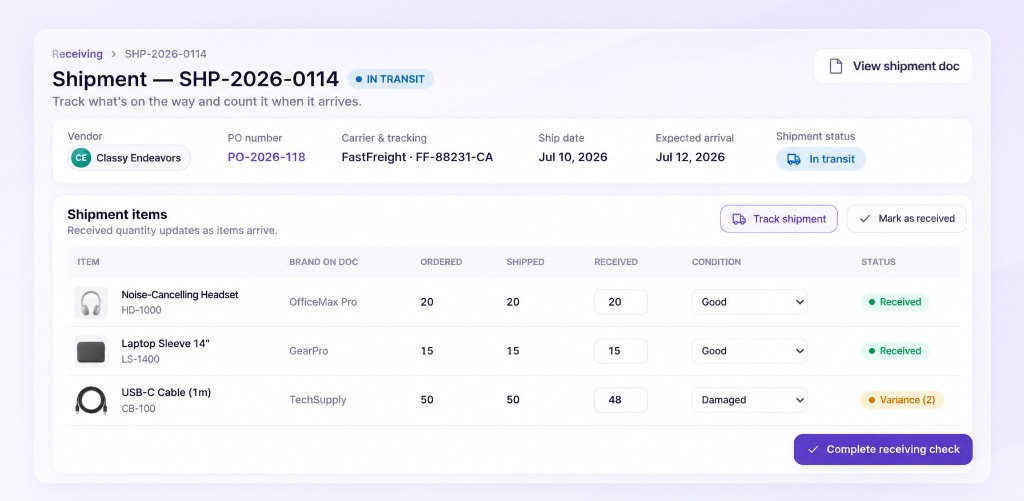
Receiving and Goods Receipts Live
11:15 AMCount what turned up against what was ordered, note the condition, and the goods receipt is raised on the spot.
Open the pageWhat happens once things start arriving
Goods turn up, invoices follow, and budgets need to reflect both without anyone reconciling by hand.
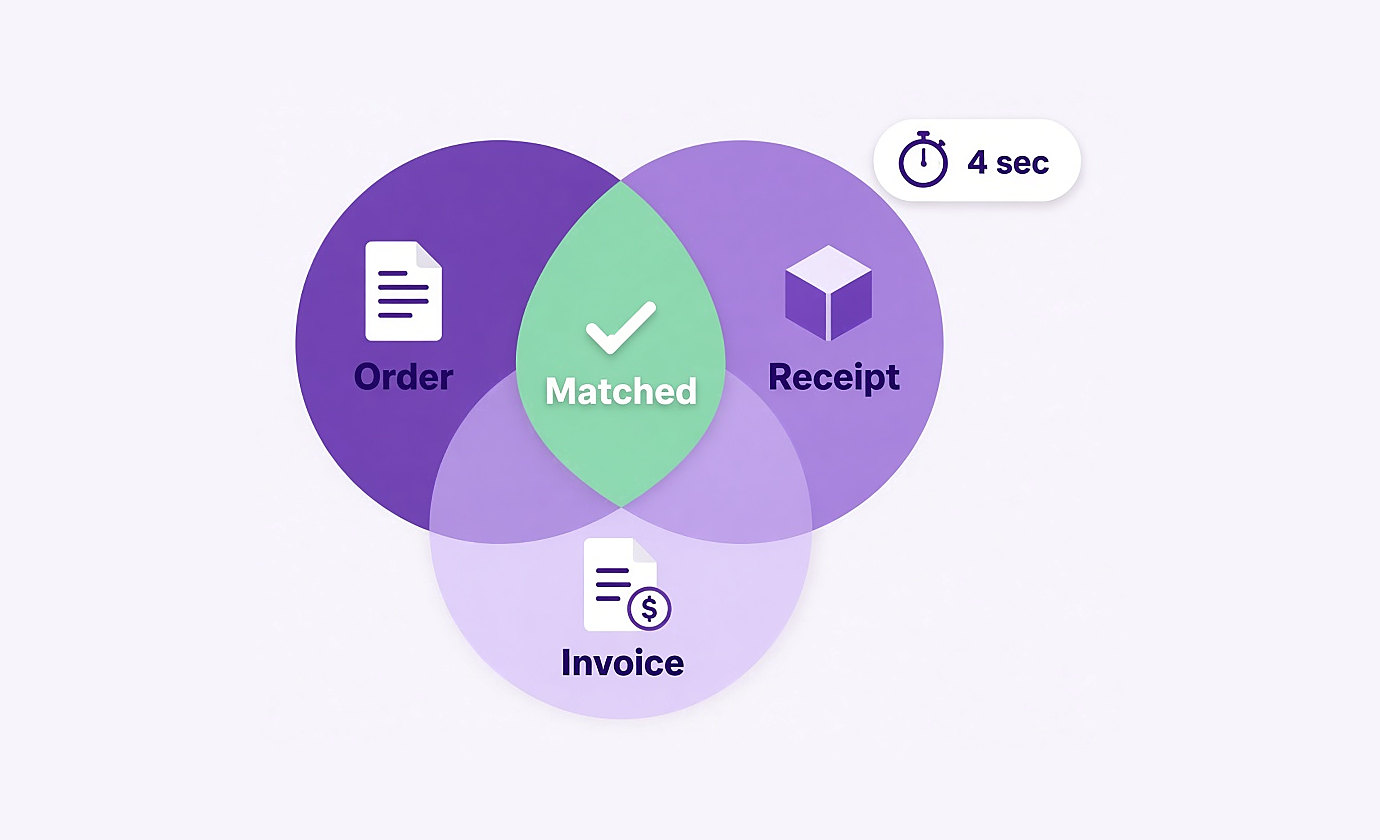
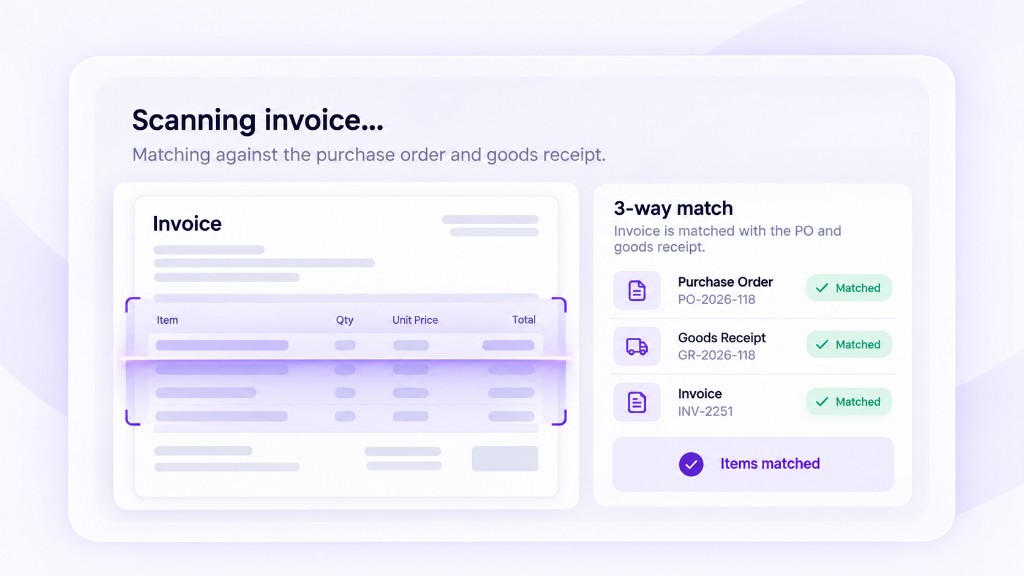
AP Automation Live
11:45 AMInvoices read in about four seconds and checked against the order and the receipt. Clean ones clear on their own and the rest arrive with evidence.
Open the page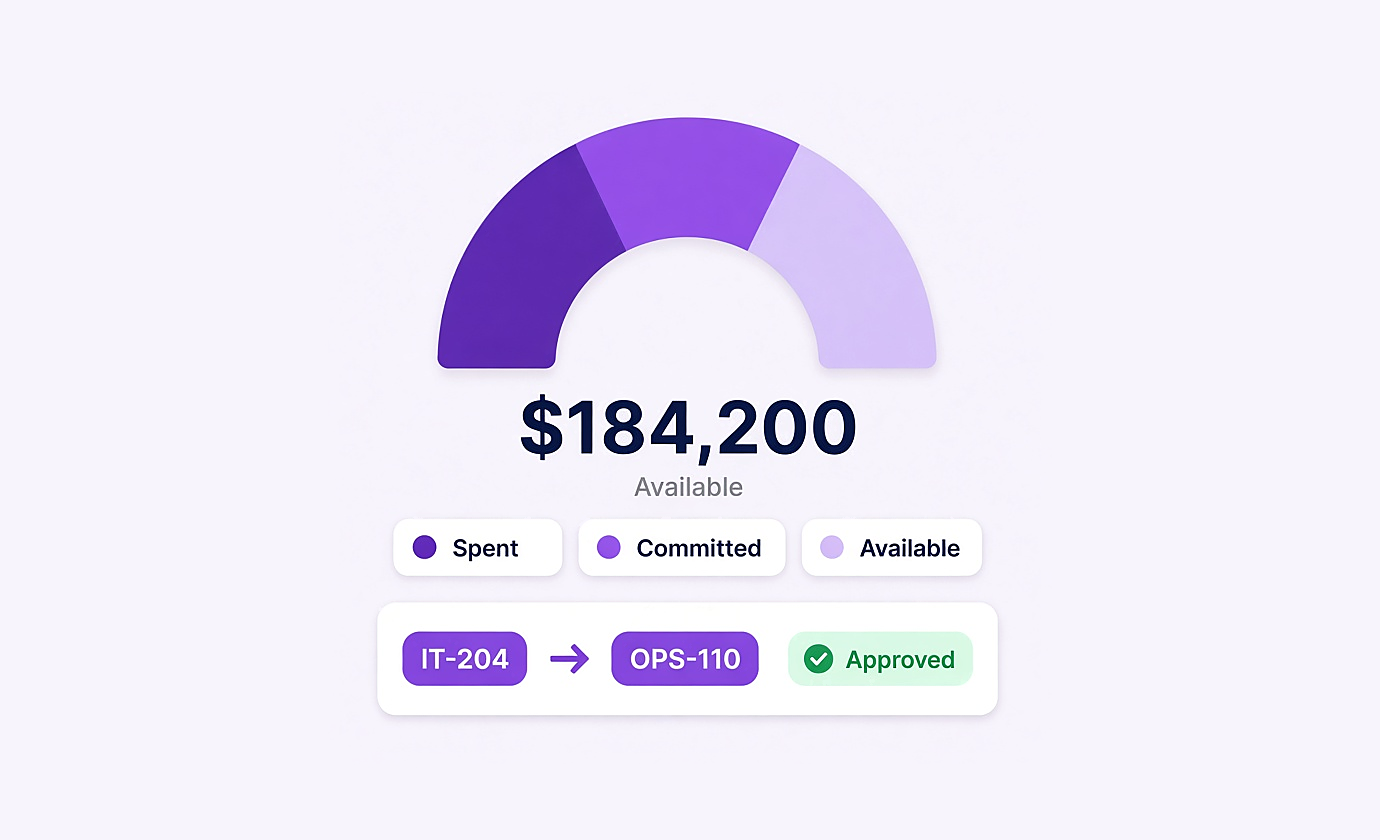
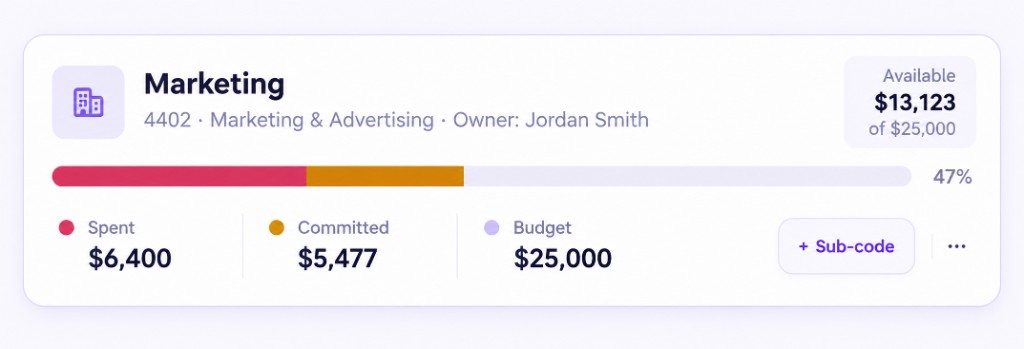
Budgets and Charge Codes Live
12:15 PMEvery dollar sits in one of three states: available, committed or spent. Reallocation between codes is logged with its approval.
Open the page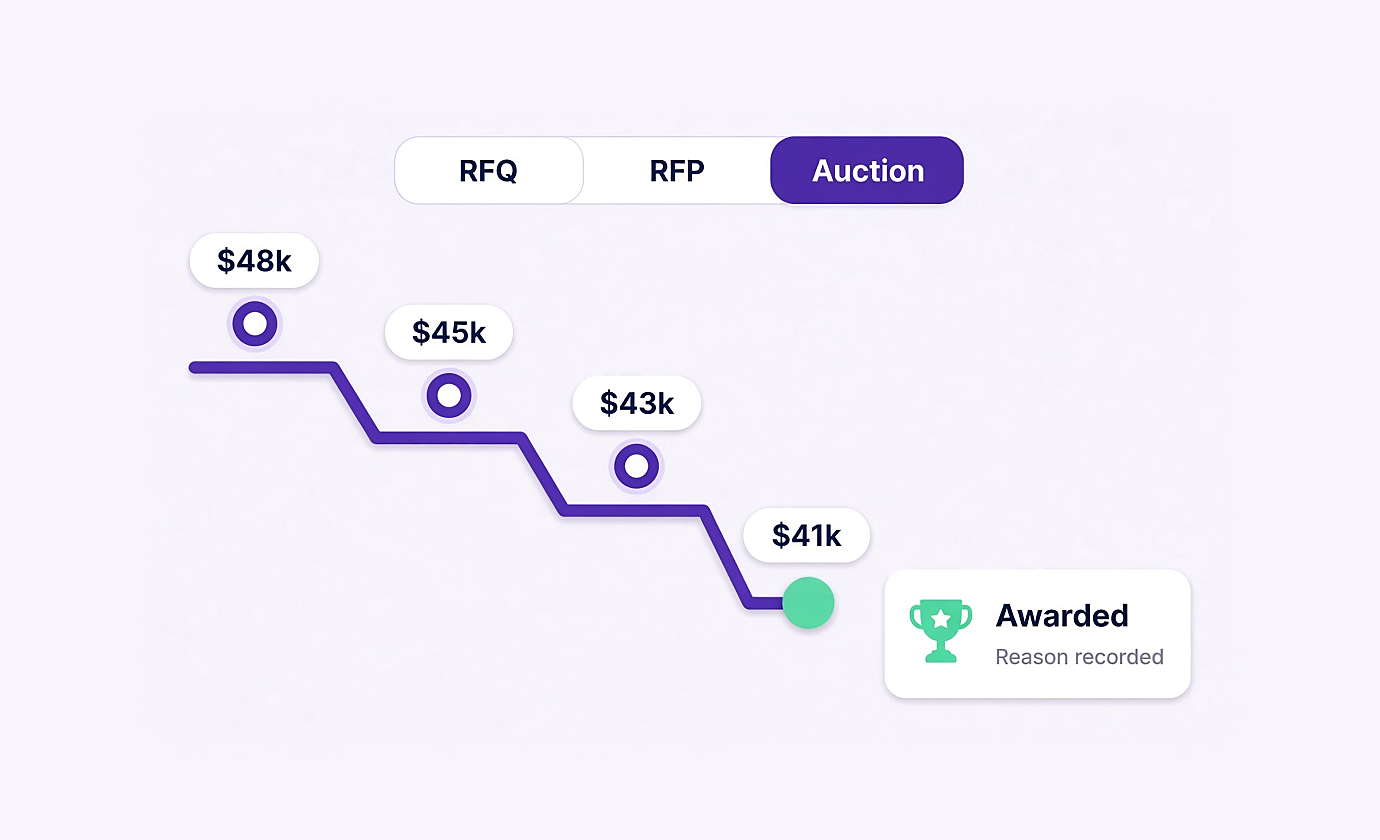
Sourcing Events Live
12:40 PMRun an RFQ, an RFP or a live reverse auction from an approved request, then award with the reasoning recorded against the event.
Open the pageSuppliers, documents and who can do what
The parts that sit underneath every purchase rather than inside any single one.
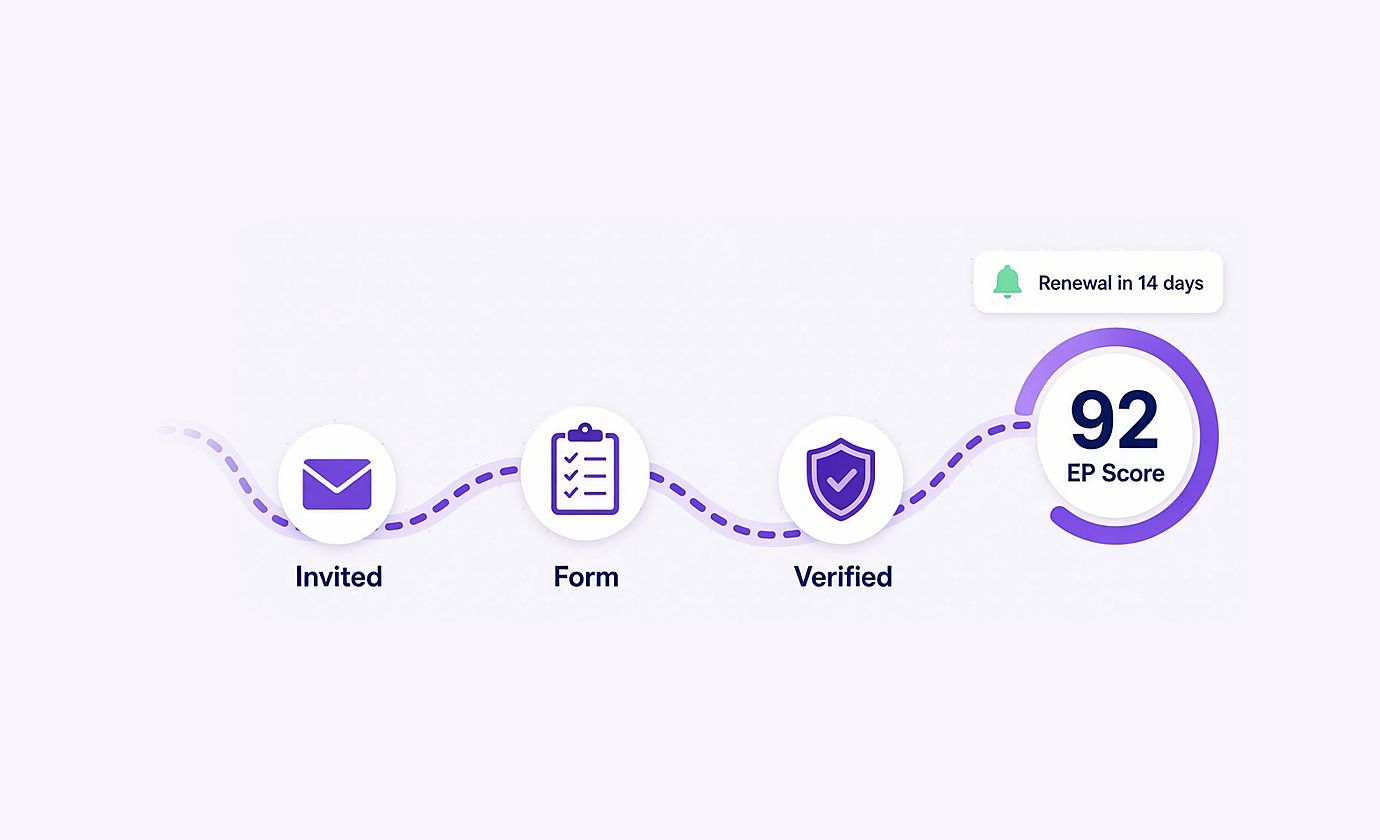
Vendor Hub Live
1:00 PMSuppliers complete their own onboarding form, carry an EP Score, and their compliance dates get chased without anyone keeping a list.
Open the page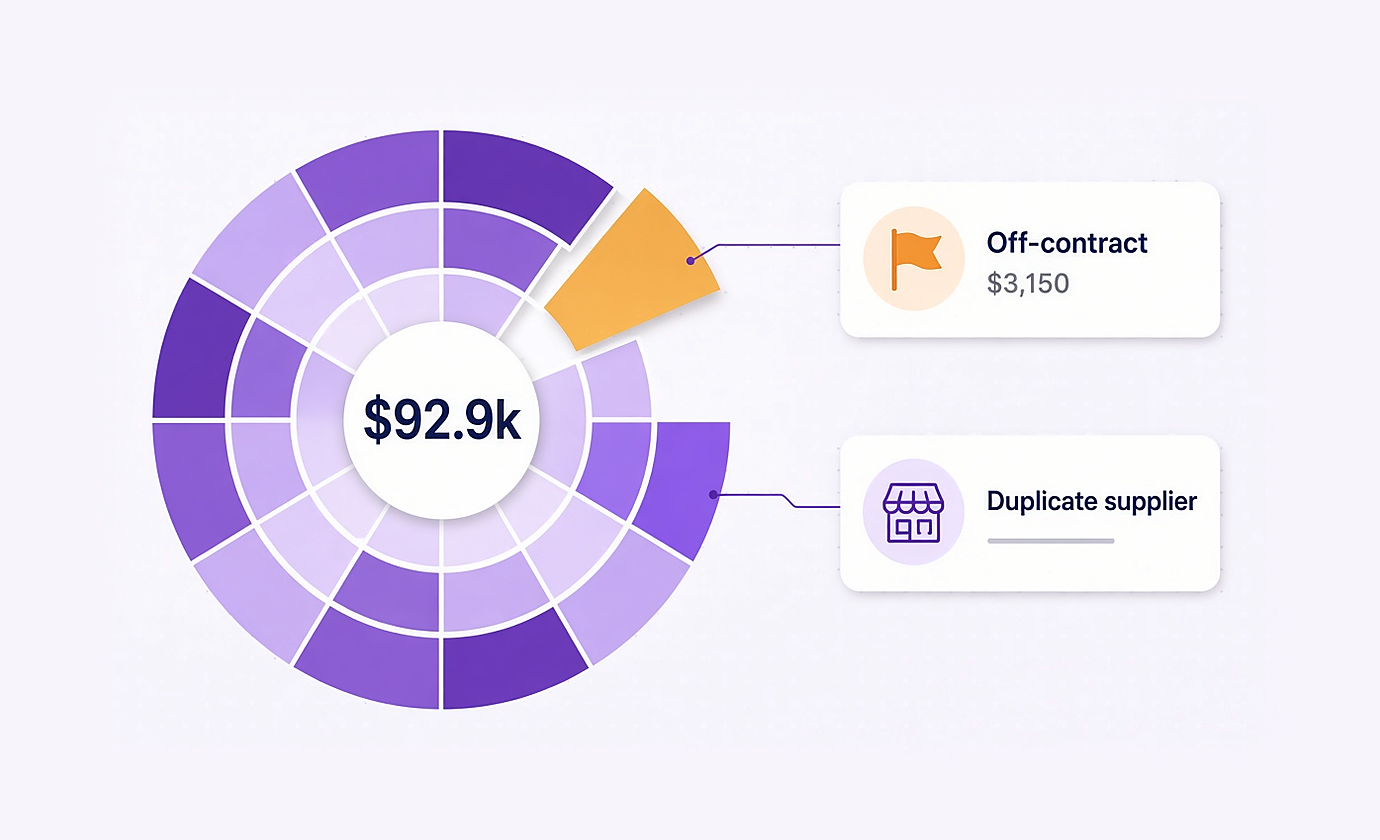
Spend Analytics Live
1:20 PMWhere the money actually went, by category, supplier and department, with duplicate suppliers and off contract buying surfaced.
Open the page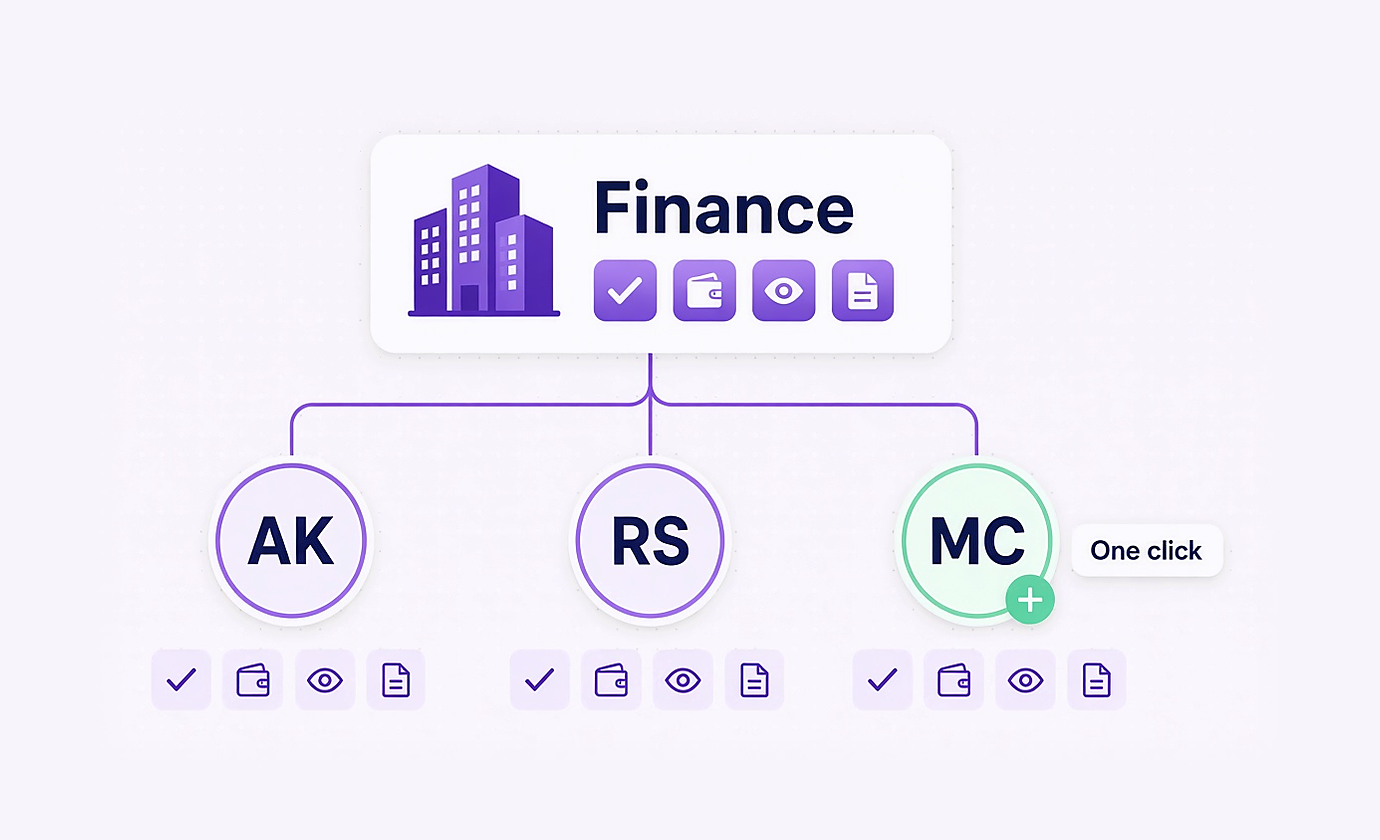
Access and Permissions Live
1:40 PMDepartments inherit a baseline, so adding a person is one choice rather than fifteen checkboxes. The org map shows who can do what.
Open the page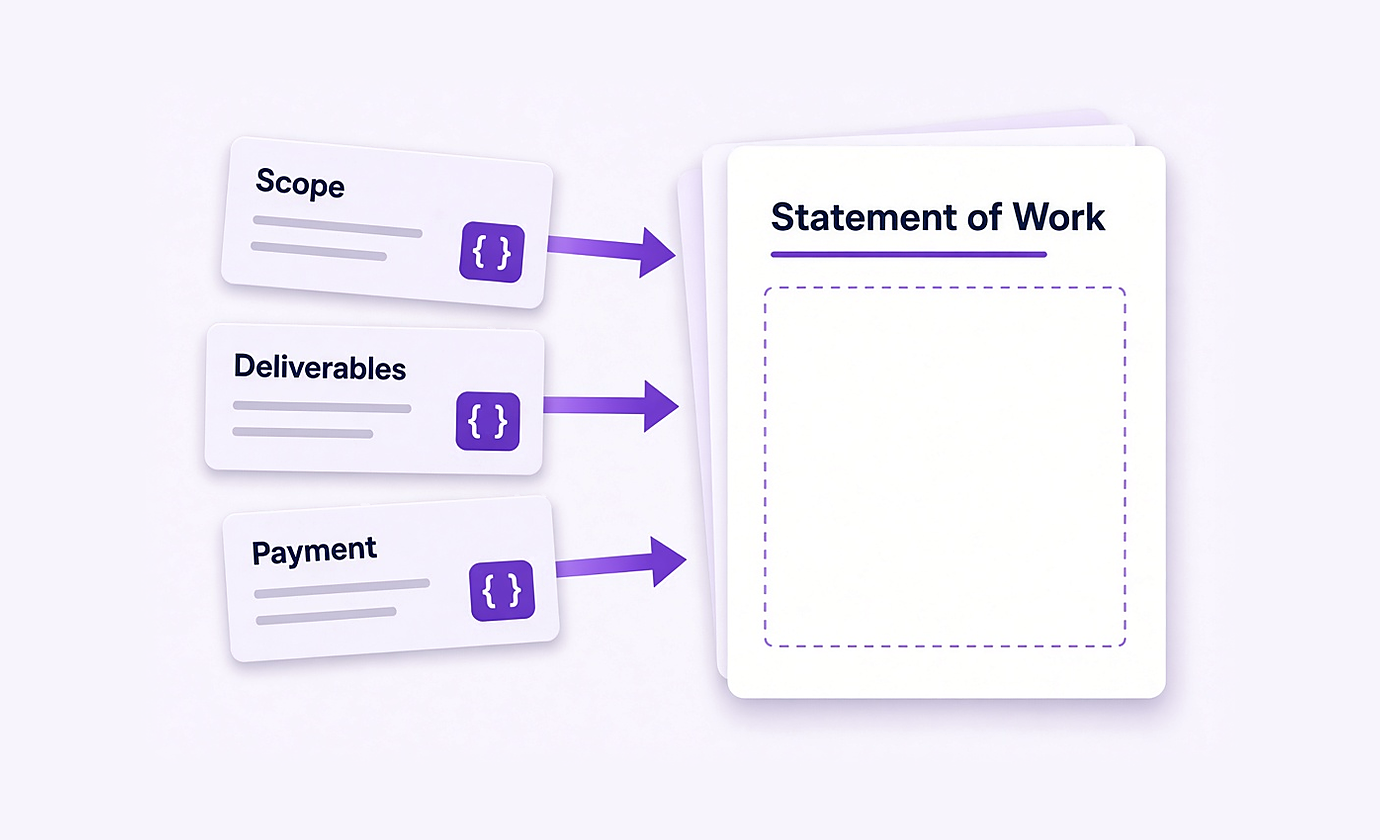
Contract Templates Live
2:00 PMReusable statements of work and terms, built as sections with dynamic fields, in a library your team owns rather than a shared folder.
Open the page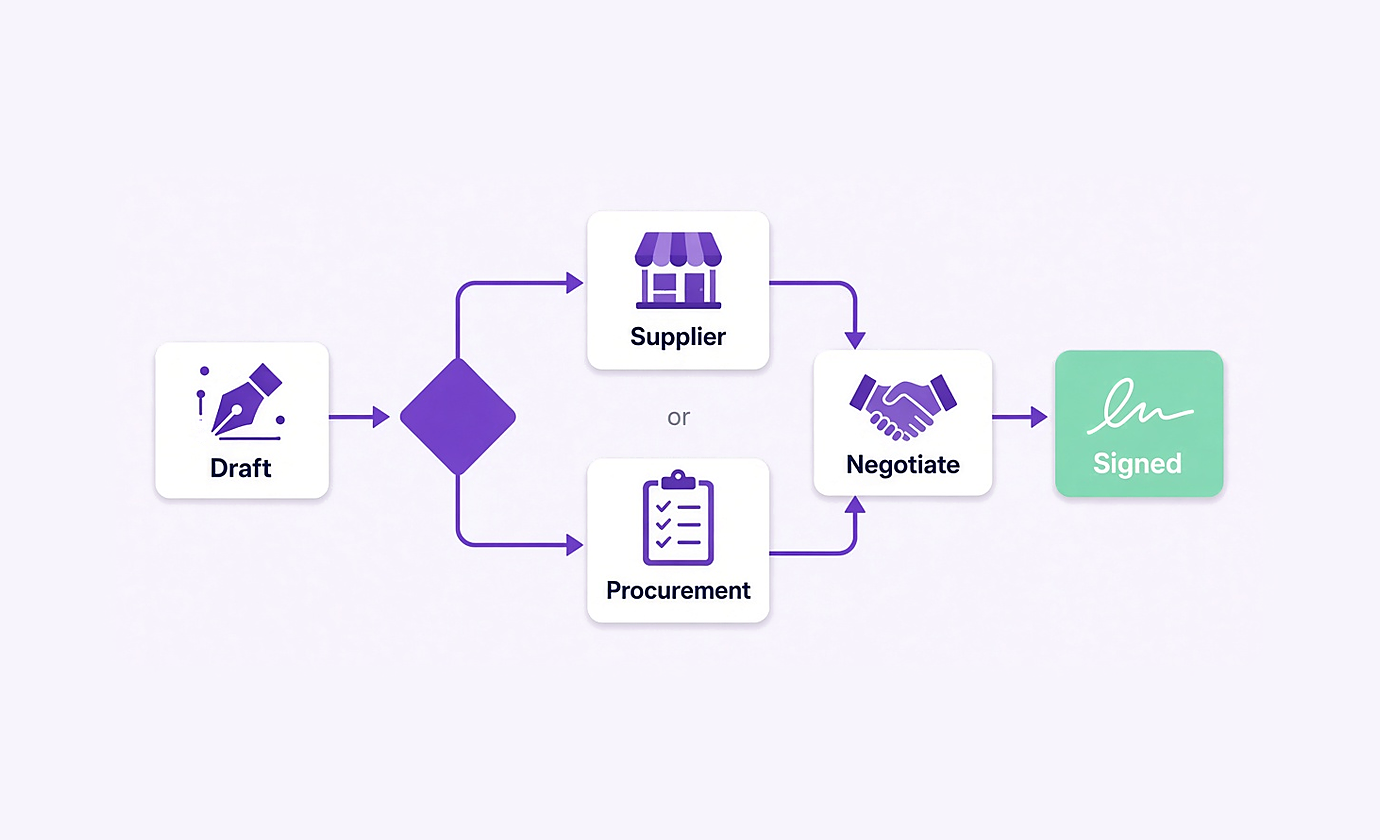
NDAs Live
2:20 PMDraft, assign, negotiate, accept and sign. An NDA goes to one supplier or attaches to a procurement, and the system holds you to one or the other.
Open the page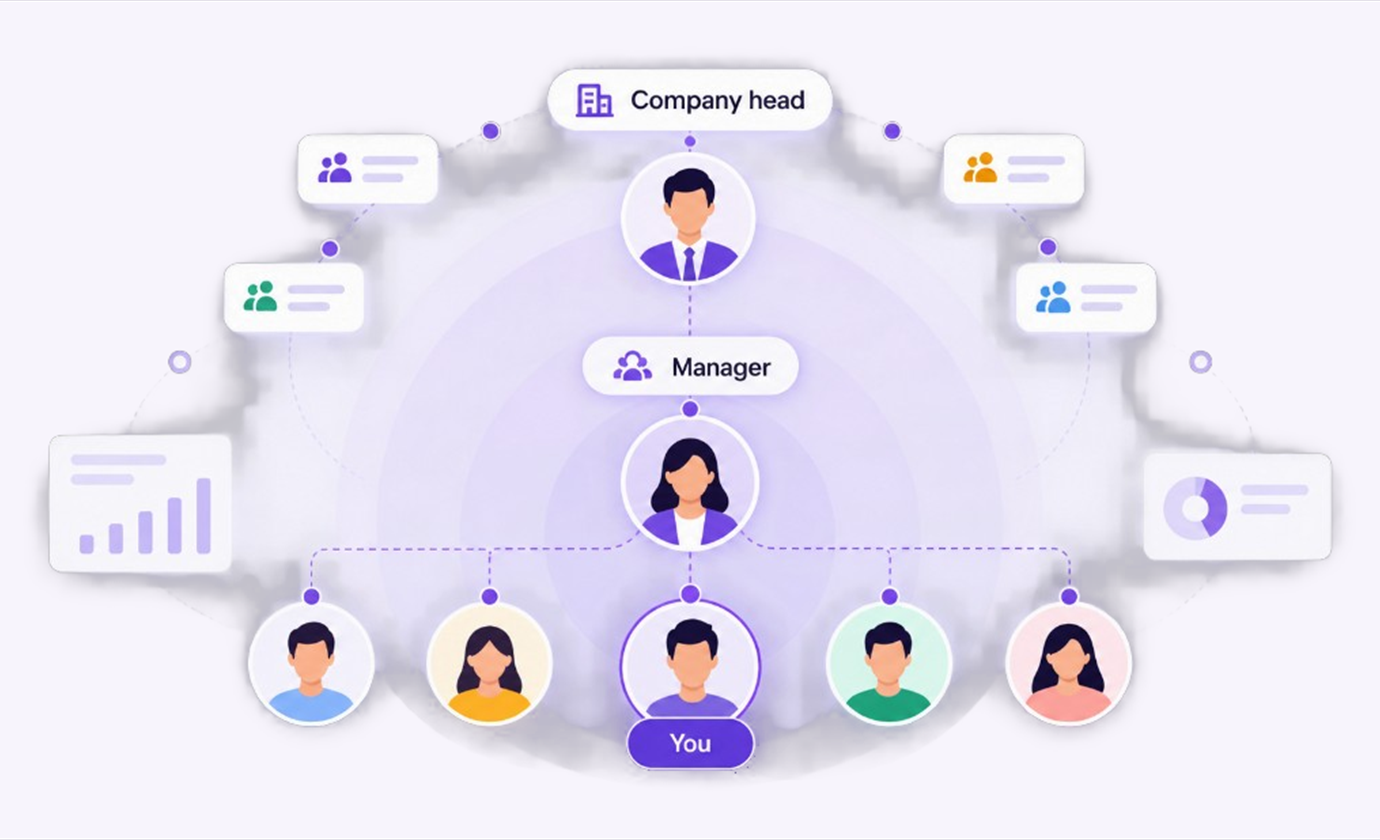
Dashboard and Role Views Live
2:40 PMA company head sees every team, a manager sees only their own people, and everybody else sees their own work.
Open the pageSame record, every step
Nothing is retyped from module to module. People still approve, count and award. The request they started with is the PO, the receipt and the invoice.
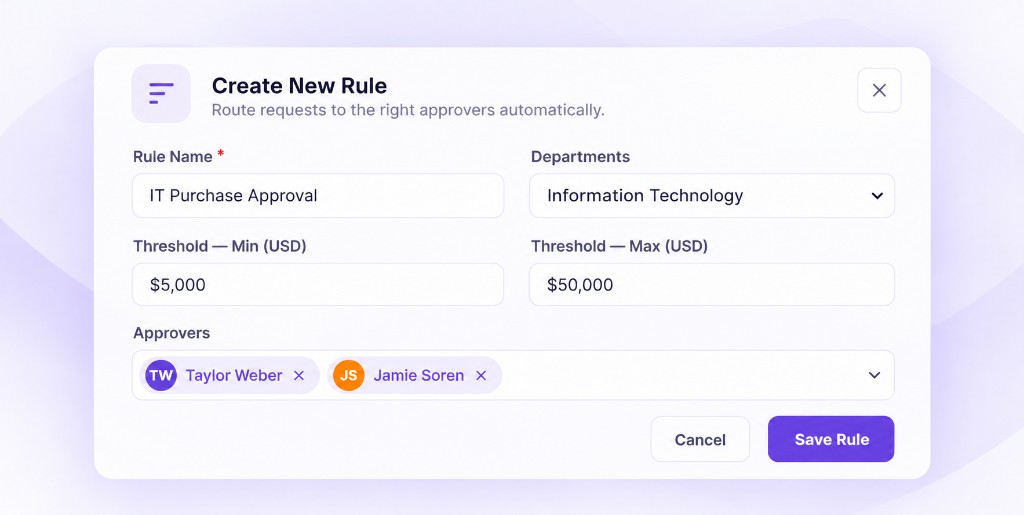
The rules pick who signs
Department and amount choose the rule. Charge code is checked before anyone is asked. Budget moves when they say yes.
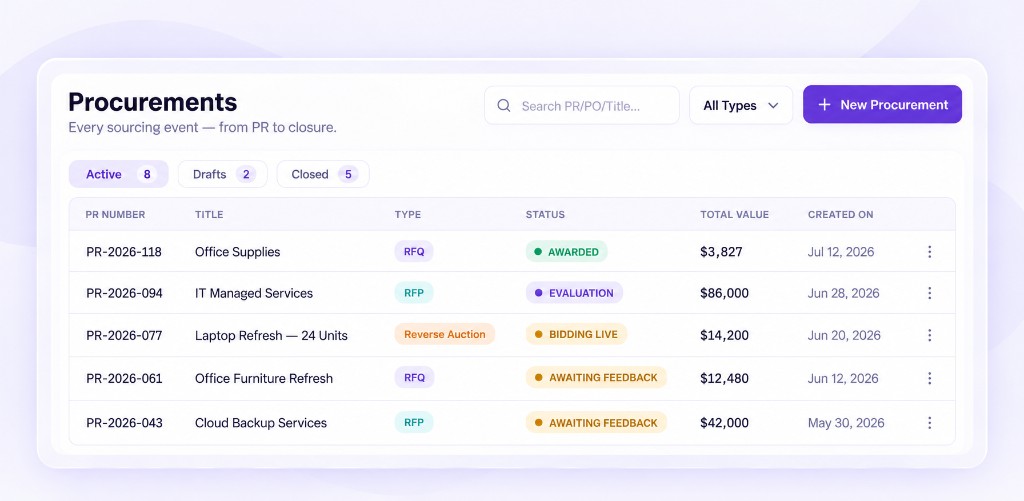
Quotes first, when you need them
If value or category calls for it, the approved request becomes an RFQ, RFP or reverse auction. Award writes the order. T&Cs stay a human decision.
The order is built, not written
Vendor, lines, rates, charge code and attachments carry across from the approved request. Nothing is typed a second time.
Count against the order
Shipments reference the order, and the receiving check counts line by line with condition and variance recorded.
Three documents agree, or they stop
The invoice is matched against the order and the goods receipt. Clean ones clear, and anything that disagrees stops with the evidence attached.
The numbers were already right
Because commitment was recorded at approval and receipt at the dock, month end reflects what happened rather than what somebody reconstructed.
The order most teams actually take
You do not need all thirteen on day one. Go live on intake once departments and a published budget are in place. Add purchasing and AP once that is in daily use.
| Stage | Module | Why here | Typical timing |
|---|---|---|---|
| First | Intake and Approvals | The rest of the chain reads this record. Needs departments and a published budget first. | Weeks, not a suite project |
| Second | Purchasing and Orders, with Catalog | The approved request becomes the PO. Add sourcing if you compete before you order. | Once intake is daily |
| Third | Receiving and AP Automation | Three-way match only works once orders and receipts are both in the system | Once POs are going out |
| Later | Spend Analytics | Needs a few months of clean history. Budgets were already updating at approval. | After a quarter of live buying |
| As needed | Vendor Hub, Templates, NDAs | Optional. Use when onboarding or documents are the bottleneck. | Any time |
Questions people actually ask
Walk one of your purchases through
Thirty minutes. Bring a request you actually raise and your approval rules. We follow it to the PO, the receipt and the invoice. No slides. If it is not a fit, you hear that on the call.
Book your free demoOr start with one module: Intake and Approvals